
An easier practice screen
In shortWe moved the number pad and Start button to easier spots, enlarged the explanation text and fixed the length-comparison problems that looked broken.
Easier to answer
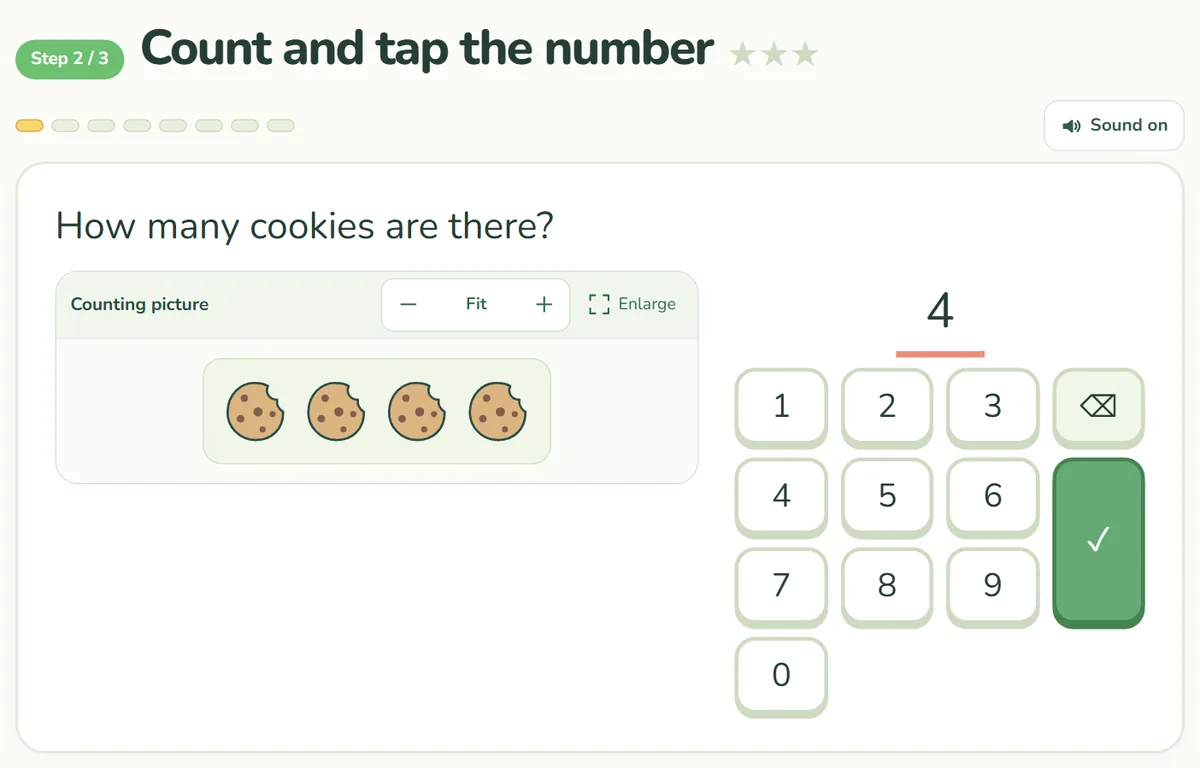
- Number pad order: the top row now starts with 1, 2, 3.
- Number pad position: on wide screens it sits next to the picture. On narrow screens the page scrolls just enough if the pad is out of view.
- Start button: moved directly under the explanation.
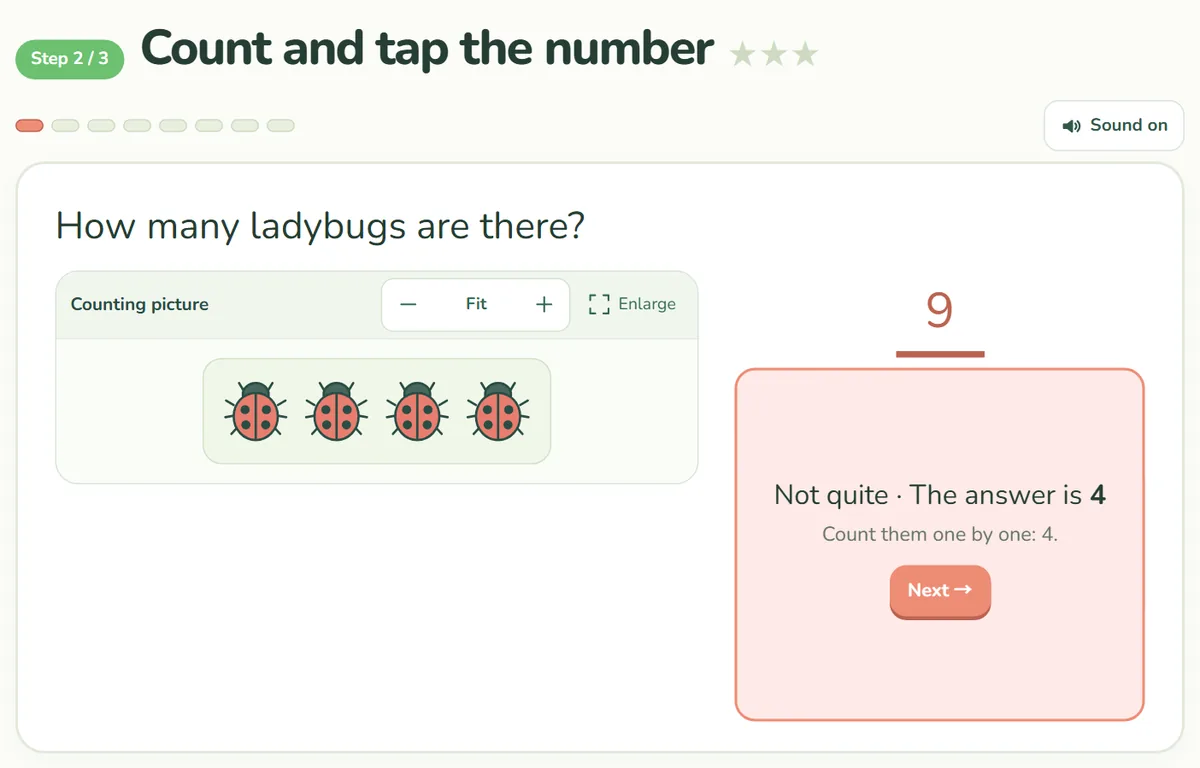
- Wrong-answer message: it now appears over the number pad, so the page does not jump and “Next” is right there.
Easier to read and see
- Explanation text: the speech bubble before a step is much larger, and Korean no longer breaks in the middle of a word.
- Problem pictures: objects and shapes now share one style across every step, with 12 objects and 8 shapes.
- Object alignment: pictures that leaned to one side are now centered.
Bugs fixed
- Longest-bar problems: fixed a bug where the bars disappeared and only their color names showed.
- Automatic switching: steps you had already played no longer flash the explanation and jump to the problems by themselves.
If you installed it as an app
We have removed the setting that let the site be installed like an app. If you installed it earlier on a phone or computer, you may still see an old logo screen or a yellow bar. Copy your growth code first, remove the app, then open the site in a browser.