
Sign up and continue your steps on any device

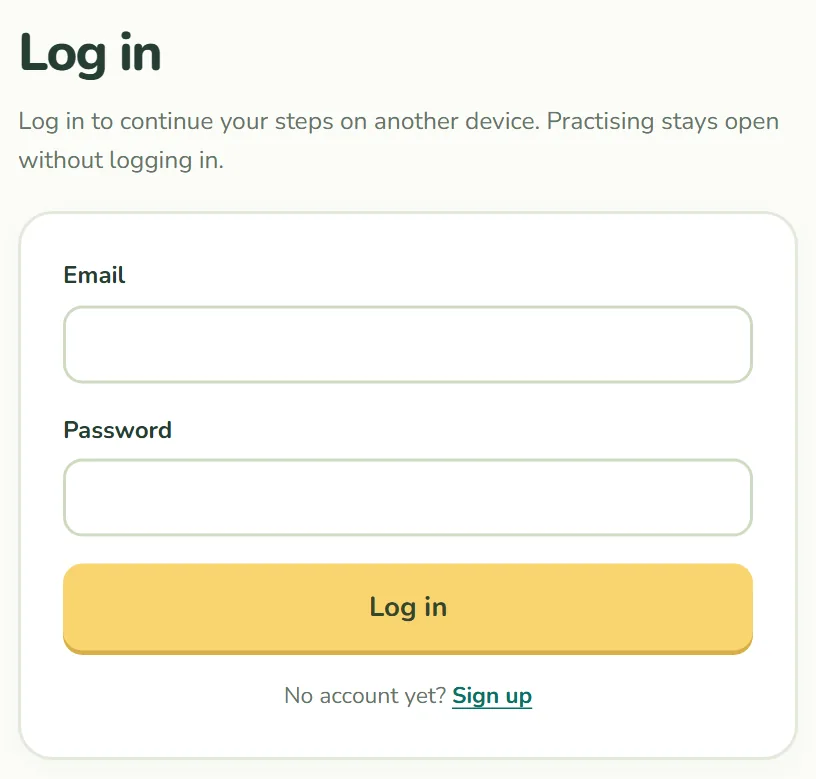
In shortParent members can now log in. Records are saved to the account, so steps continue on any device. Practising still needs no account.
How it works
- Sign up and you are logged in right away, and the records on this device are saved to your account.
- Records save automatically as you practise.
- Log in on another device and the records from both are combined.
- Press “Continue” on Learn to start from the step you were on.
What is saved and what is not
- Saved: stars, XP, badges, daily practice and your last step
- Not saved: a child’s nickname and age. These stay on that device.
When two devices combine, the larger value is kept for each step’s stars and for XP, and badges from both sides are kept, so records never shrink.
Signing up is optional
Every problem stays free without an account, and records stay in your browser as before. To move devices without an account, use a growth code.
Under “My account” you can see when records were last saved, log out or close your account. Closing it deletes the account and saved learning records right away. Password recovery is not available yet, so if you forget yours, please email us from the address you signed up with.