
One or two steps a day: building a daily math habit

In shortOne or two steps a day is plenty. Use “Continue” for a step, then add the ten Daily challenge problems if there is time. We suggest short and often over long and rare.
A routine we suggest
- Press “Continue” on Learn and finish one step.
- If stars are low, use “Try again” once or move on to the next step.
- If “Review today” appears, do one of those steps.
- With time to spare, do the Daily challenge.
Every child’s pace is different. We designed a step to take about 2 to 3 minutes. Linking practice to something that already happens every day, like before brushing teeth or after dinner, makes it easier to start.
Using the Daily challenge
Pick a stage in the Daily challenge and get ten problems mixed from several of its units. The problems change every day, which makes it good for review.
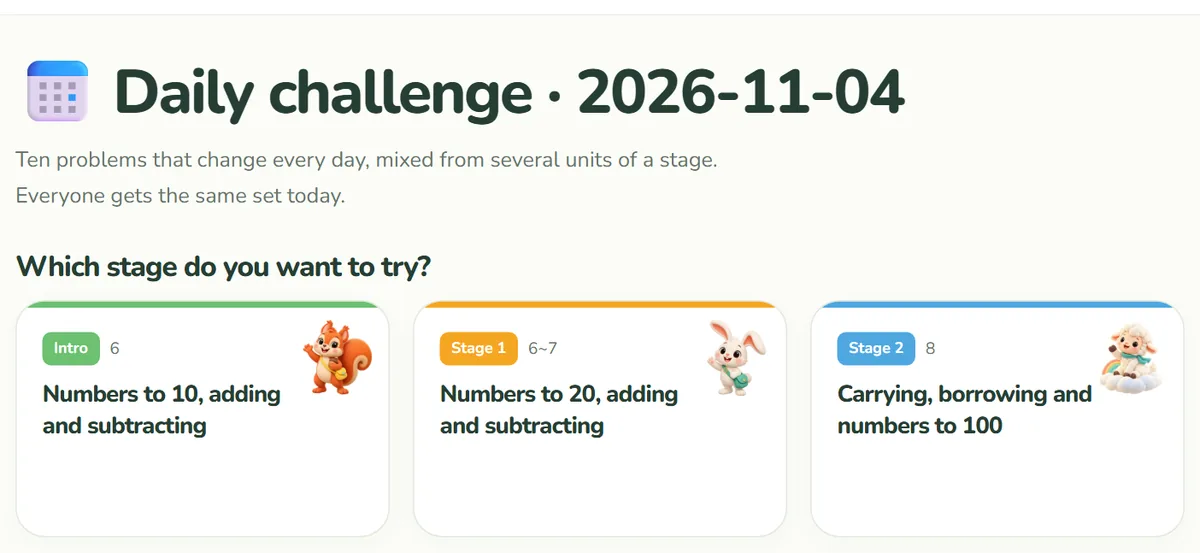
- On the same day, the same stage gives everyone the same problems, whether their answers are right or wrong. The day follows the date set on the device.
- Results count toward XP and the day streak. They do not change the stars on individual steps.
- After finishing, you can try another stage.
If a streak breaks
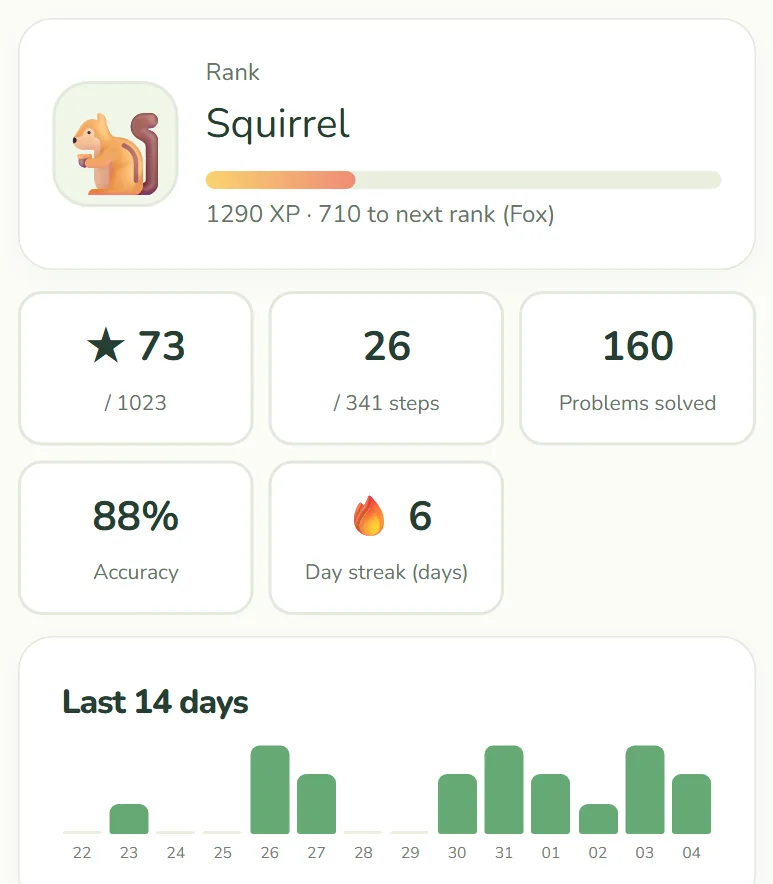
The streak counts days of practice running up to today or yesterday. Two days off in a row resets it to zero. Streaks of 3, 7 and 30 days earn badges.
Stars, XP and earned badges all stay when a streak breaks. Let your child know the day they start again is a new day one. There is no need to scold over days off.
When you help
- Before giving an answer, try pointing at the picture together.
- After a mistake, let your child read the one-line explanation.
- Rather than the score, mention what changed, such as “you solved the kind that was hard yesterday”.
In a classroom or study group
On any given day, the Daily challenge for a stage is the same set for everyone. Solve it together and talk about the hard ones.
- There are no student accounts, so you can start right away without collecting personal data.
- Records are saved separately on each device. If several children share one tablet, their records appear combined.
- There is no class overview screen for teachers yet.
See the guide to saving progress for how records work on devices.